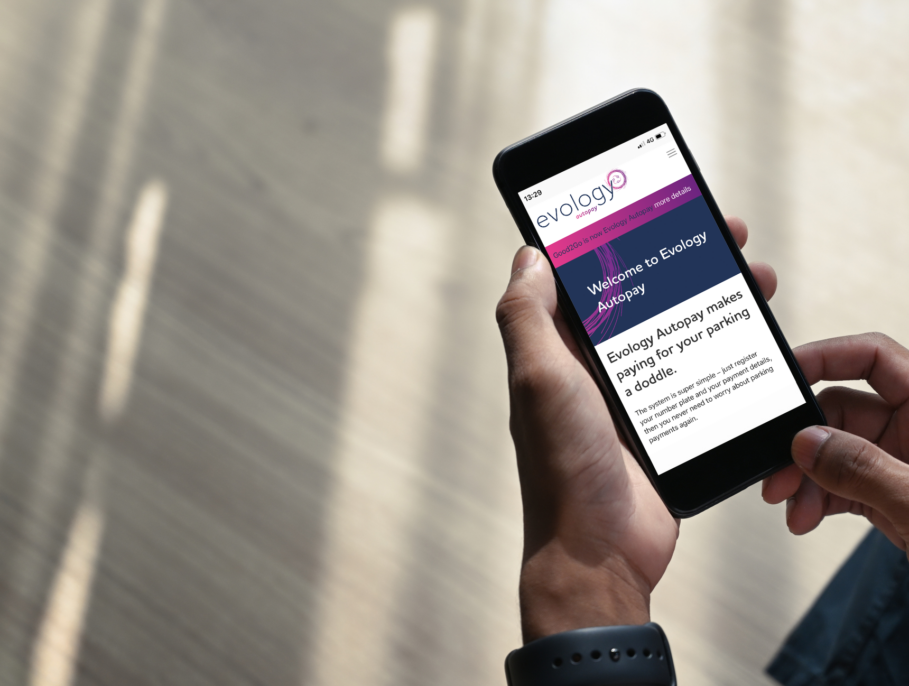

Evology Autopay makes paying for your parking a doddle
Register your number plate and payment card once. Cameras read your plate on the way in and out, and we take payment for you. No tickets, no machines and no app needed on the day.
Autopay only works at car parks showing the Autopay sign. Anywhere else, pay in the Evology app or at the machine. Check your car park below before you register.
Check your car park before you sign up
Evology Autopay is already live in a growing number of car parks across the UK, from hospitals and universities to hotels, gyms and leisure centres, including Lancashire Teaching Hospitals NHS Foundation Trust, Hilton and Bolton Wanderers.
Find Autopay locations using the map below. Always check for the Autopay sign when you arrive, as availability may vary. If Autopay isn’t available, pay using the Evology app or at the machine.
How does Evology Autopay work?
Register once, then drive on and off any Autopay car park without stopping to pay. You only pay for the time you stay.
That’s Evology Autopay.
Quick, easy, and minimal fuss
-
Register Once
Add your number plate (up to 4 vehicles) and your preferred payment method.
-
Drive in
At an autopay car park. Our cameras recognise your number plate automatically, so there’s no need to stop at a payment machine.
-
Drive out
The cameras record your entry and exit, and your parking charge is calculated based on your stay.
-
We handle the payment
Usually within 72 hours, occasionally up to 14 days. You get a receipt by email.
Why Choose Autopay?
Autopay isn’t just about speed and convenience – it’s about smarter, greener, and fairer parking. By removing the need for tickets or machines, Autopay cuts down on wasted paper and reduces unnecessary engine idling, helping to lower emissions. With everything managed in the Evology Parking app, you’ve got complete control of your parking payments at your fingertips.
Autopay - FAQ's
-
I’ve received an email asking me to update my card details - is it genuine?
Yes. We’re changing our payment provider and have sent an email asking customers to update their card details. From 26th August, please log in to your Evology Autopay account and update your details. To be safe, always access your account directly here >.
-
How does Evology Autopay work?
Register for the service and when you drive your car into a participating Evology Autopay car park the cameras will recognise your number plate. When you return to your vehicle and drive out of the car park the cameras will again recognise your number plate. The system records the time that you arrived at the car park and the time that you left. The Car Park Operator will calculate the payment that is due for your parking stay and ask Evology to debit the amount from your account. You can choose to receive automated SMS and email messages which will confirm individual payments for parking and can provide monthly statements of activities.
-
When will I start being billed for my parking once I have registered with Evology Autopay?
You will start being charged from your 1st stay onwards at any Evology Autopay car park.
-
Can I use Evology Autopay at every Evology car park?
No, Evology Autopay is only available at specific car parks. Please double-check which services are available and if a car park uses Evology Autopay by looking at the signage on site.